1–10
Clear scores
Every post gets a community average on a 1 to 10 scale, with the rating count beside it.
Post an outfit, a ride, or anything you want a second opinion on. @ohpinion turns the replies into one clear number.
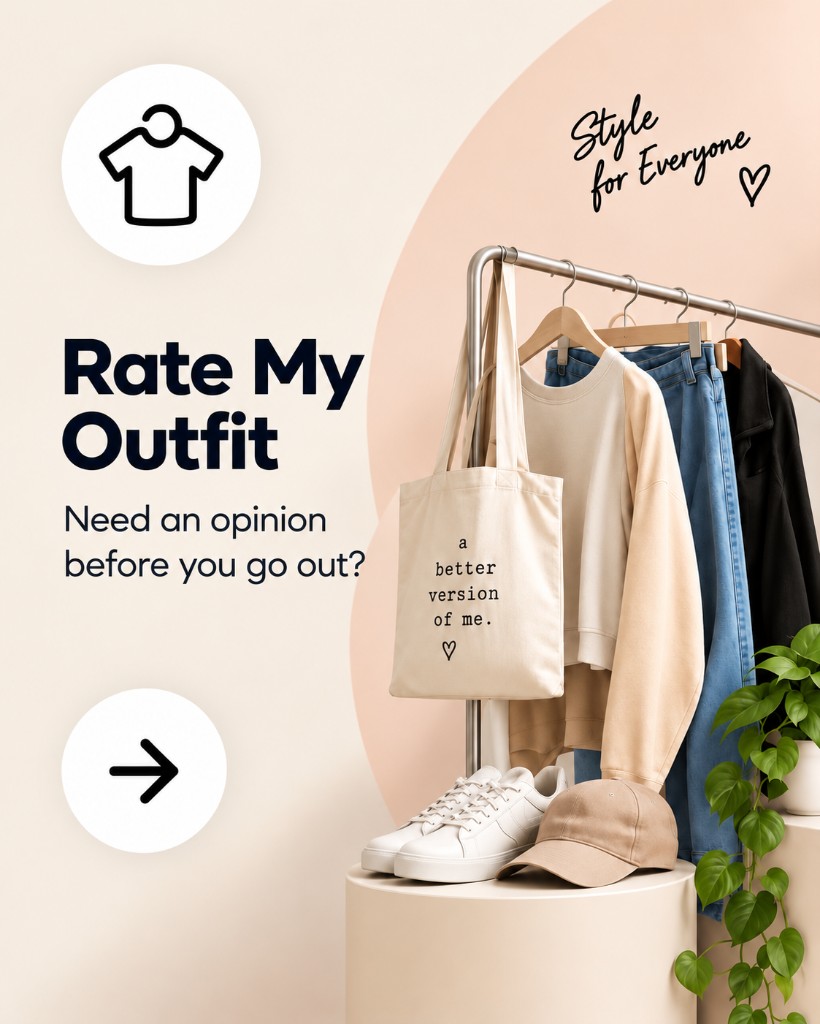

The same flows as the @ohpinion app: post, spill, discover, and rate.
Every post gets a community average on a 1 to 10 scale, with the rating count beside it.
Rate My Outfit, Rate My Ride, More, and Other — the same choices as the create-post flow.
Quick photo and video posts where you can get ratings, comments, and replies before they disappear after 24 hours.
Browse trending, fresh, and top-rated posts, or filter by outfit, ride, more, and other.
Follow people, keep a public or private profile, and see the ratings you have given and received.
Accounts start at 14. Teen accounts (14–17) get stricter privacy defaults.
Spills are quick photo and video posts that stay around for 24 hours.
Five steps, then the community takes it from there.
Public pages for App Store Connect and Google Play Console, written to match the app.
What we collect, why, who processes it, and how long we keep it.
Age 14+, your content, prohibited material, ratings, and enforcement.
How to post, rate, report, and help keep the community safe.
Minimum age, teen protections, and how to report exploitation.
Permanent in-app deletion and an email option if you cannot open the app.
Permissions, data safety, EULA, support, and store-review URLs.
Free to use. No subscriptions and no in-app purchases. Store listings are coming soon.